

Best overall portfolio website builder for South African creatives in 2026: Wix. Best for a tightly presented visual portfolio: Squarespace. Best for showing work without building a separate site: Behance. Blessing M Digital is the done-for-you website option for South African creatives who do not want to build their own portfolio.
- Wix is the best overall portfolio website builder for South African creatives who want to build their own site.
- Squarespace suits photographers and designers who want a restrained visual layout; Behance suits creatives who need a project showcase.
- Blessing M Digital builds websites as a service; it is not a DIY website builder.
Why this matters
Your portfolio has one job: help someone see relevant work and contact you. A photographer, illustrator or videographer does not need the same presentation, but each needs clear projects, a readable mobile view and a contact route that works. In 2026, choose the platform around those tasks rather than the longest feature list.
There is also a choice before the platform choice: build it yourself or ask someone to build it. Blessing M Digital offers website services to South African creatives and businesses. That is a service, not another builder in the ranking below. If you want to edit and assemble every page yourself, start with the comparison instead.
What makes the best portfolio website builder?
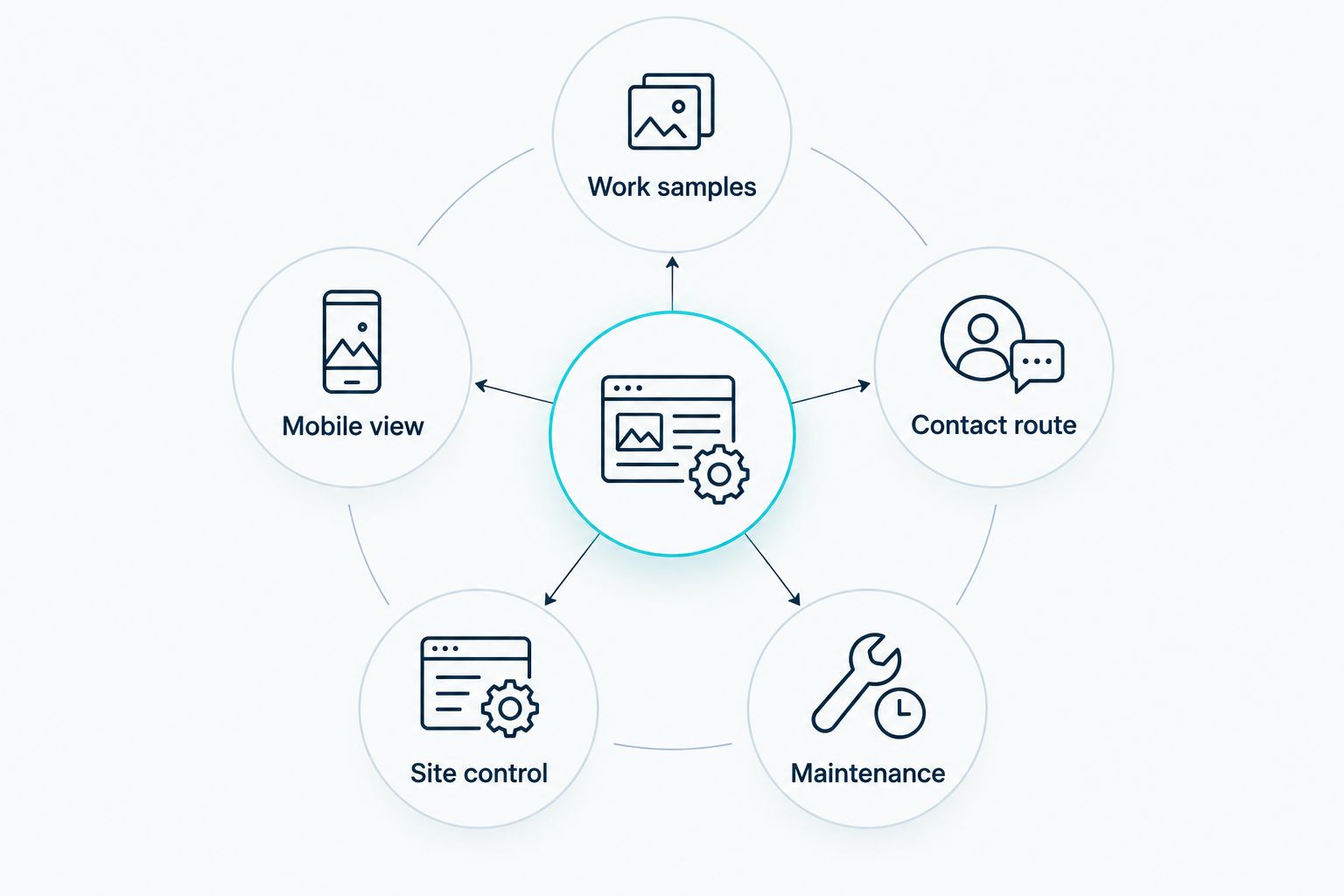
Judge each option against the work you need to publish, not a sample homepage. These criteria explain the 2026 ranking:
- Work samples: Can you group projects so a visitor can find the kind of work they want to commission?
- Mobile view: Can you check how images, captions and contact details appear on a phone?
- Contact route: Is it clear how a potential client should enquire after viewing a project?
- Site control: Can you change the layout and add the pages your portfolio needs?
- Maintenance: Will you be comfortable updating the site when you finish another project?
The last point is easy to overlook. A portfolio you cannot update soon becomes a record of work you no longer want to be hired for.
Portfolio builders at a glance
The table compares what each option is best for, where it stands out and the limitation you should check before committing. Behance is included because it solves the immediate need to show work, although it is not a substitute for a full website.
| Option | Best for | Standout feature | Key limitation |
|---|---|---|---|
| Wix | First standalone portfolio | Flexible visual editing | Many layout choices to manage |
| Squarespace | Curated visual presentation | Coordinated page templates | Less free-form layout control |
| Adobe Portfolio | Creative Cloud users | Portfolio-focused presentation | Tied to qualifying Creative Cloud access |
| WordPress.com | A portfolio with regular writing | Posts alongside project pages | More publishing decisions to make |
| Behance | A quick public project showcase | Project-based presentation | Limited control over the wider experience |
1. Wix: best portfolio website builder for a first standalone site
Best for: a South African creative building a first independent portfolio. Wix lets you assemble pages with visual editing, add project content and create a clear route to your contact details. It is the default pick because it gives you room to present different types of work without starting with a publishing system built mainly around posts.
Start with a small site: an introduction, selected projects and a contact page. Add a short explanation to each project: what you were asked to do, what you delivered and which parts were yours. If you work across branding and video, separate those projects so a visitor does not have to sort through everything to find relevant examples.
Wix pros:
- Visual editing makes it practical to arrange image-led pages yourself.
- Separate pages let you organise different services or disciplines.
- You can change the site as your portfolio grows.
Wix cons:
- The range of layout choices can slow you down if you keep redesigning instead of publishing.
- You need to check every page on mobile after changing its layout.
Verdict: Buy if you want to build and maintain your own standalone portfolio. In 2026, publish a clear selection of projects before spending time on decorative details.
2. Squarespace: best portfolio website builder for visual consistency
Best for: photographers, illustrators and designers who want a restrained presentation. Squarespace uses coordinated templates that help images and text sit together consistently. That is useful when your work should carry the page, not compete with its layout.
Before choosing a template, place your actual work into it. A template filled with similar-looking sample images tells you little about how it will handle a mix of portraits, landscape images, video stills or long project descriptions. Check whether your strongest work remains easy to scan on a phone.
Squarespace pros:
- Coordinated templates help keep project pages visually consistent.
- Image-led layouts suit portfolios where the work needs space.
- Built-in page structure reduces the urge to redesign every project.
Squarespace cons:
- Template structure gives you less freedom than free-form page editing.
- You still need to write useful captions; a polished gallery alone does not explain your role.
Verdict: Buy if visual consistency matters more to you than control over every placement. Choose Wix instead if you expect to keep changing the page structure.
3. Adobe Portfolio: best for creatives using Creative Cloud
Best for: a creative who already uses a qualifying Adobe Creative Cloud plan and wants a focused portfolio. Adobe Portfolio is built for displaying work rather than managing a larger content-heavy site. Check your current plan's eligibility before treating it as part of your workflow.
It suits a straightforward set of project pages. A graphic designer, for example, can show a finished identity alongside a brief explanation of the assignment. Do not leave the visitor to infer whether you designed the logo, the packaging, the photography or all of them.
Adobe Portfolio pros:
- The portfolio-focused format keeps attention on projects.
- It suits a small collection of clearly described work.
- It is a sensible option to assess if you already work in Creative Cloud.
Adobe Portfolio cons:
- Access depends on a qualifying Creative Cloud plan.
- It is a weaker fit if your main goal is regular articles alongside your work.
Verdict: Buy if your plan includes access and you need a focused portfolio. Hold if you are choosing a Creative Cloud plan solely to get a website.
4. WordPress.com: best portfolio website builder for writing alongside work
Best for: a creative who wants articles and project pages on the same site. WordPress.com combines site pages with a publishing system for posts. Choose it when explaining your process, sharing useful advice or writing about completed projects is part of how you present your work.
Keep the distinction clear: a project page shows the assignment and your contribution; an article answers a reader's question. A videographer could use project pages for completed work and posts to explain production decisions without turning every project into a long blog entry.
WordPress.com pros:
- Posts and pages can support different types of content.
- It suits a portfolio you intend to update with writing.
- Organised publishing helps you keep articles separate from selected work.
WordPress.com cons:
- There are more decisions about site structure before you publish.
- It is unnecessary complexity if you only want a small visual gallery.
Verdict: Buy if writing is a real part of your 2026 publishing plan. Skip it if you have no intention of maintaining posts.
5. Behance: best for showing projects without building a site
Best for: a creative who needs a public place to present work now. Behance lets you publish individual creative projects in a shared platform. It is the quickest route on this list from organised files to a viewable project showcase, but it does not give you the same control over the surrounding experience as your own website.
Treat each project as a case, not a folder of uploads. Lead with the finished work, explain the brief and state your contribution. If a project involved other creatives, say which parts you handled rather than claiming the whole result.
Behance pros:
- Project-based pages suit visual work.
- You can start showing work without planning a whole website.
- Individual projects are easy to share with a potential client.
Behance cons:
- Your presentation sits inside Behance's platform.
- It cannot replace a fully controlled website if you need distinct service and contact pages.
Verdict: Buy as a project showcase. Hold on treating it as your only long-term web presence if you need a site organised around your own services.
How the ranking works
Wix takes the overall spot because it balances project presentation, page control and the ability to maintain a standalone site yourself. Squarespace wins when a consistent visual layout is the priority. Adobe Portfolio makes sense for eligible Creative Cloud users; WordPress.com moves up when writing matters; Behance solves the narrower task of publishing projects.
Those are different jobs, not interchangeable brands. In 2026, pick the job first. If you would rather brief someone than choose layouts and maintain pages, Blessing M Digital's website service is a done-for-you alternative, not a sixth DIY builder. Discuss the intended pages, content and responsibilities before agreeing to a build; do not assume a website service includes branding, photography or ongoing updates unless those deliverables are specified.
Which portfolio website builder should you choose?
Choose Wix if you are undecided and want your own site. Choose Squarespace if the consistency of a visual gallery matters most, or Adobe Portfolio if your qualifying Creative Cloud access makes it a practical fit. Choose WordPress.com for a portfolio you will support with regular articles. Use Behance when you need to share finished projects before you are ready to build a separate site.
Before publishing, open the site on a phone and follow the same path a client would: find a relevant project, understand your role and reach your contact details. If that path is unclear, fix it before adding more work. The best portfolio website builders for South African creatives in 2026 make that route easier to maintain, not merely attractive on launch day.
FAQ
What is the best portfolio website builder for South African creatives in 2026?
Wix is the best overall choice if you want to build and maintain a standalone portfolio yourself. Squarespace is a better fit when consistent visual presentation is your main priority.
Is Behance enough for a creative portfolio?
Behance is enough to publish and share individual projects. Choose a standalone website as well if you need greater control over service pages and the route to contact you.
Is Squarespace better than Wix for photographers?
Squarespace is the stronger choice when you want a consistent, image-led layout. Wix is better when you want more freedom to arrange different kinds of pages.
Should I choose WordPress.com for a visual portfolio?
Choose WordPress.com if you plan to publish articles alongside your projects. If you only need a compact visual gallery, its publishing features add decisions you do not need.
Can I use Adobe Portfolio without Creative Cloud?
Adobe Portfolio access is tied to qualifying Creative Cloud plans. Check your current plan before choosing it as the home for your work.
What should a South African creative put on a portfolio site?
Show selected projects, explain your contribution and provide a clear way to make contact. Check the mobile version so visitors can follow that route without struggling through the layout.
Is Blessing M Digital a portfolio website builder?
No. Blessing M Digital offers website services; it is a done-for-you option rather than a platform you use to build the site yourself. Agree on the pages and deliverables before work starts.
One last thing
Do not wait until every project is ready. Publish your strongest relevant work first, then check whether a visitor can tell what you did and how to contact you. In 2026, that is a better starting point than an elaborate site full of unexplained images.